Logic-board repair
Board-level faults, no-power problems and component damage.
We diagnose supported MacBook hardware failures, including screens, batteries, keyboards, liquid damage and complex logic-board issues.
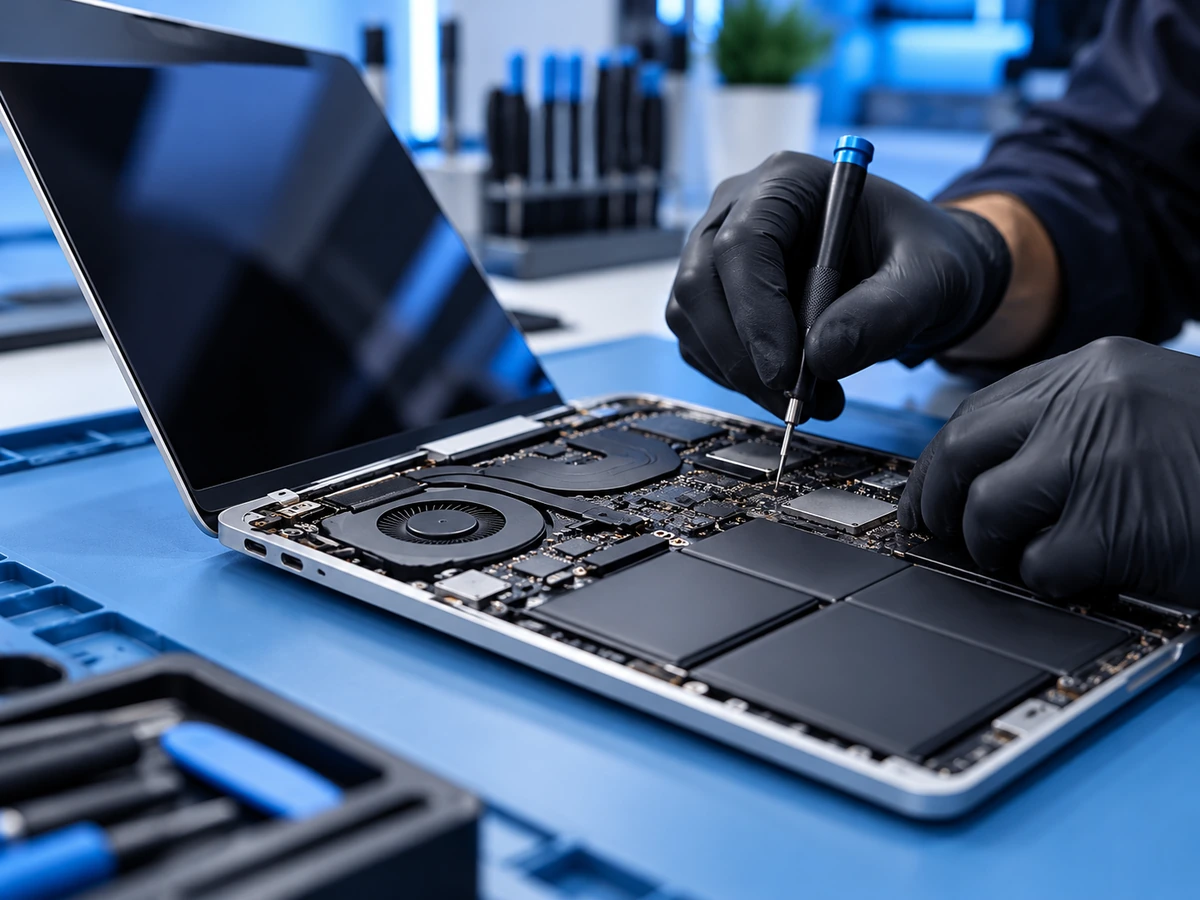
We diagnose the issue, explain the available repair options and confirm the quote before work begins.
Board-level faults, no-power problems and component damage.
Broken panels, lines, backlight issues and display faults.
Battery life, USB-C charging, charging circuits and connectors.
Inspection for corrosion, shorts and affected components.
Keys, palm-rest related problems and trackpad diagnosis.
Assessing access to important data after hardware failures.
Cracked screens, lines, dark spots, a flickering or dead backlight and worn anti-glare coating are common MacBook display problems. On most recent MacBook Air and MacBook Pro models, the glass and the panel are part of one complete display assembly, which is why MacBook screen repairs usually cost more than many Windows laptop screens. On some models other repair options may be possible, and we explain what applies to your MacBook before you approve.
Choose Apple menu > About This Mac to see the exact model and year. The bottom case also shows a model number that starts with A (for example A2338), but one A-number can cover more than one year or chip, so About This Mac is the best check. Include both when you ask for a quote.
If the screen of a 2016–2017 MacBook Pro goes dark, or shows uneven "stage light" bands along the bottom, when the lid opens past a certain angle, a worn display cable is a known cause. The cable is built into the display, so the fix usually means replacing the display. Diagnosis confirms the cause first.
Signs include "Service Recommended" in battery settings, short battery life, sudden shutdowns, or a swollen battery that makes the trackpad hard to click or lifts the bottom case. Stop using a MacBook with a swollen battery and bring it in.
Try a different USB-C or MagSafe charger, cable and port first. If nothing works, the cause may be the charging port, the battery or the charging circuit on the logic board, which we can diagnose at board level.
Sticky, repeating or dead keys, missing keycaps and trackpads that stop clicking. On many MacBooks the keyboard is built into the top case, which affects how it is repaired and what it costs. We explain the option for your model.
Turn the MacBook off, unplug it and do not try to charge it or switch it back on. Liquid can keep causing corrosion after the laptop seems dry, so an early inspection gives the best chance of a successful repair.
Tell us your device model and the symptoms. We inspect the likely cause, talk through practical options and only proceed once you approve the scope and price.
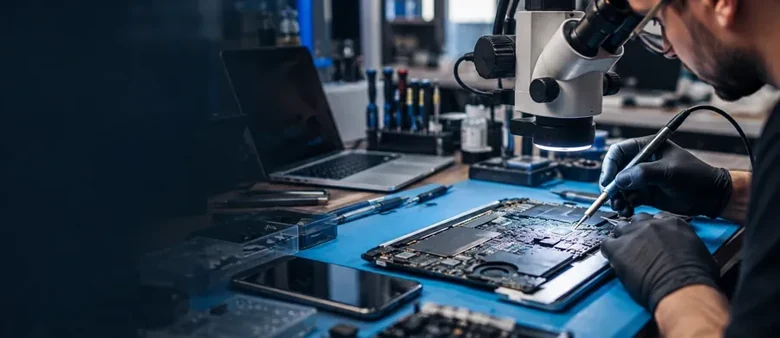
When a MacBook will not turn on, will not charge or has liquid damage, the fault is often on the logic board. Instead of replacing the whole board by default, we look for a component-level repair where it is practical. Our board-level approach is explained on our motherboard and logic-board repair page.
On MacBooks with Apple's T2 chip or Apple silicon (M1 and later), the storage is built into the logic board and encrypted. If the board cannot be brought back to working order, the data generally cannot be recovered by removing a drive. We cannot promise data recovery in every case, and we tell you honestly what is possible after diagnosis.
Know what happens before any repair begins.
Tell us the device, model and symptoms.
We inspect the likely fault and explain repair options.
Review the quote and timing before authorizing work.
We repair where practical and test the result.
If your MacBook still starts, back up with Time Machine or iCloud before the repair. Screen, battery and keyboard repairs do not normally affect your files, but a backup protects you whatever the fault turns out to be.
If your MacBook is still covered by Apple's warranty or AppleCare+, check your coverage with Apple first. If it is out of coverage, or Apple has recommended replacing the whole logic board, we are happy to assess it and quote.
We explain the likely fault, the repair we recommend, the price and an estimated timeframe before work begins.
150 Britannia Road East, Unit 18, Mississauga, ON L4Z 2A4. Monday to Friday, 11 AM to 7 PM; closed Saturday and Sunday.
Walk-ins are welcome during business hours. MacBook repairs are done at our storefront; we do not offer on-site, pickup or delivery service. Directions →
Many MacBook logic-board faults can be repaired. We inspect the board and determine whether a component-level repair is practical.
Yes. We diagnose supported models of both MacBook Air and MacBook Pro.
Yes. We examine charging, power management, battery and logic-board faults.
Often, depending on how much corrosion or circuit damage has occurred. We diagnose the fault before recommending work.
No. A screen replacement does not normally require erasing data.
Yes. We explain the likely repair, cost and timeframe before work begins.
It depends on the model. Most recent MacBooks need a complete display assembly, which costs more than a panel on its own. We quote for your exact model and confirm the price before any work begins.
Yes, on supported MacBook Air and MacBook Pro models. Common signs are "Service Recommended" in battery settings, short battery life, sudden shutdowns or a swollen battery.
Try another charger, cable and port first. If none of them work, the cause is usually the charging port, the battery or the charging circuit on the logic board, and diagnosis tells you which.
Sometimes. On T2 and Apple silicon MacBooks the storage is part of the logic board and encrypted, so getting the board working again is usually the only way to reach the data. We cannot promise recovery, and we tell you what is realistic after diagnosis.
We diagnose supported Intel and Apple silicon MacBook Air and MacBook Pro models. Which repairs are possible depends on the model.
If your MacBook is covered by Apple's warranty or AppleCare+, check with Apple first. Out of coverage, an independent repair with board-level options can be a practical alternative to replacing the whole logic board or the whole laptop.
Yes. Every repair at The Repair HQ is backed by warranty coverage. We also offer free diagnostics and a No Fix, No Fee policy. See our Repair Warranty page.
No. Diagnostics are free. Under our No Fix, No Fee policy, if we can't repair your MacBook, you don't pay for the attempt.
Walk into our Mississauga shop or tell us what's wrong. We'll help you understand the next step.