Motherboard & power
Short circuits, BIOS issues, no power and charging faults.
We repair laptops across major brands, from everyday screen and keyboard issues to advanced no-power and motherboard problems.
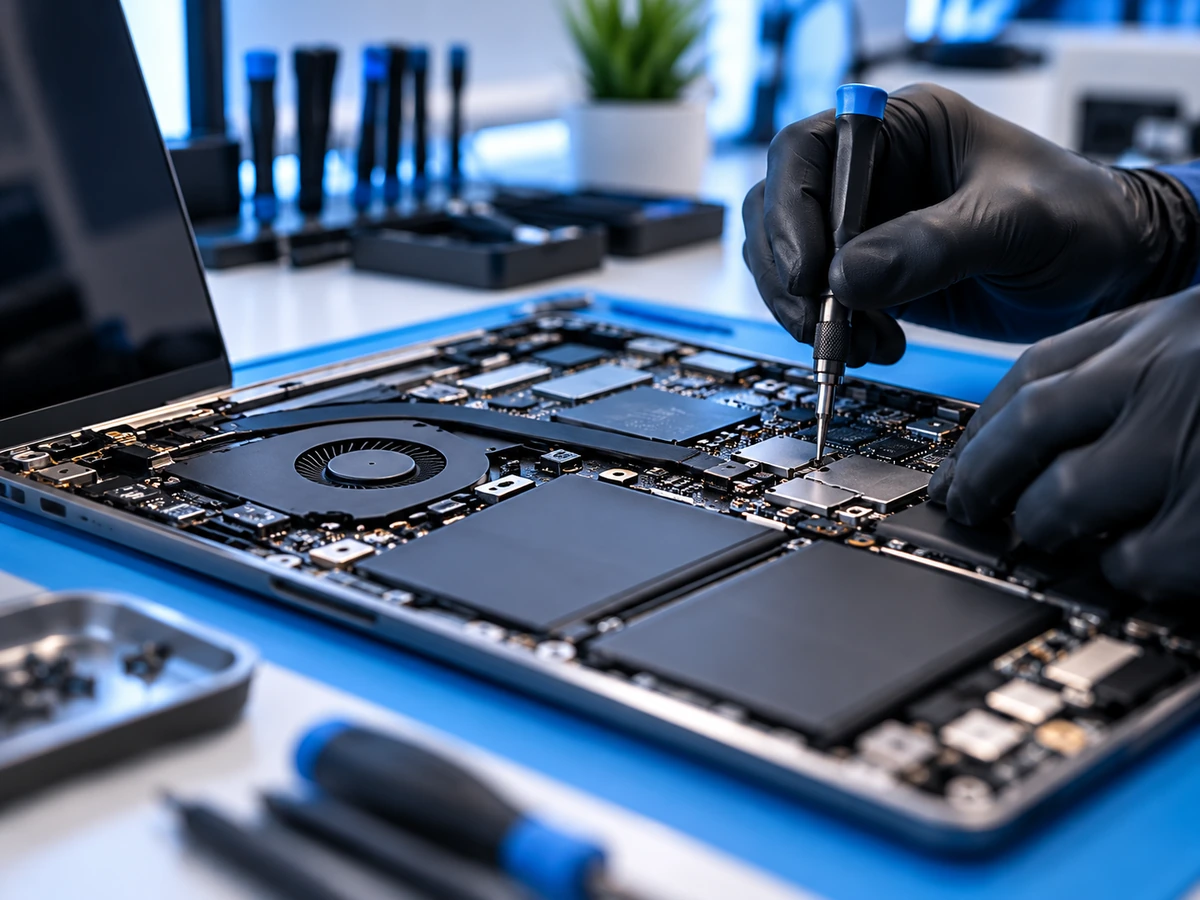
We diagnose the issue, explain the available repair options and confirm the quote before work begins.
Short circuits, BIOS issues, no power and charging faults.
Broken LCD screens, lid hinges, cables and casing.
Battery faults, AC adapter problems and damaged ports.
Faulty keys, backlights, typing problems and touchpads.
Fan noise, heat buildup, cooling and shutdown issues.
Windows problems, SSD upgrades, data access and recovery.
A cracked LCD, lines across the picture, dark patches, or a display that flickers when you move the lid are some of the most common laptop repairs. Many laptop screens can be replaced on their own. Some touch-screen and 2-in-1 models use a bonded display assembly instead, which usually costs more.
Two laptops of the same size can need different screens. The replacement has to match:
The part number on the back of the original panel is the most reliable way to match it.
Connect the laptop to a TV or external monitor. If the external picture looks normal, the laptop's screen, display cable or hinge area is the likely cause.
If the external screen stays blank too, the fault may be on the motherboard or graphics chip. That needs board-level diagnosis, which is explained on our motherboard repair page.
We repair laptops from all major brands, including Microsoft Surface, ASUS and Acer. These are common Lenovo, Dell and HP model families we work on. Supported repairs depend on the exact model.
Screens, keyboards, hinges, batteries, USB-C and barrel-charger problems, and no-power faults, including Yoga 2-in-1 touch displays.
Business Latitude laptops, everyday Inspiron models and slim XPS laptops: screens, hinges, batteries, charging ports and board-level faults.
Business EliteBook and ProBook laptops and consumer Pavilion models: screens, hinges and hinge mounts, keyboards, batteries and charging problems.
Check the label on the bottom of the laptop. Lenovo lists the model and machine type (MTM), Dell shows a Service Tag, and HP lists a product number. Sharing it with your quote request helps us give you an accurate quote. ASUS, Acer, Microsoft Surface, MSI and Samsung laptops have similar labels.
Tell us your device model and the symptoms. We inspect the likely cause, talk through practical options and only proceed once you approve the scope and price.
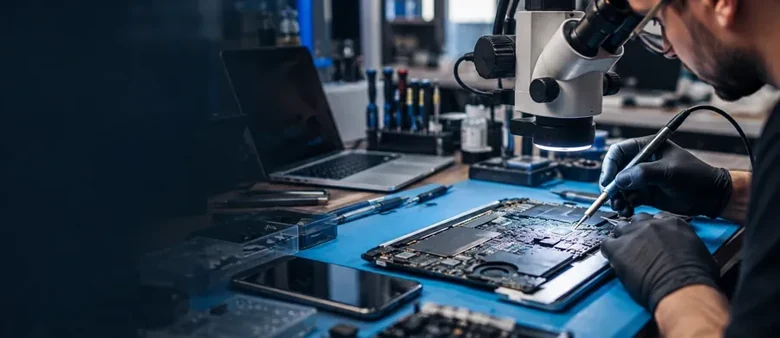
A hinge that cracks the case, pushes the bezel off or makes the lid wobble often means a hinge mount has broken loose. Fixing it early can prevent further damage to the screen and display cable.
If the picture cuts out or flickers at certain lid angles, the display cable or its connection is a common cause. Testing the panel and the cable separately shows which part actually needs replacing.
Try a known-good charger first. If the laptop still will not charge, the cause can be the adapter, the DC jack or USB-C port, the battery, or the charging circuit on the motherboard. A swollen battery that lifts the trackpad or case should not be used.
No lights, no fan, or a power light with a black screen can be a charger, battery, memory or motherboard fault. No-power diagnosis starts with the simple checks and moves to board-level testing when needed, as described on our motherboard repair page.
Know what happens before any repair begins.
Tell us the device, model and symptoms.
We inspect the likely fault and explain repair options.
Review the quote and timing before authorizing work.
We repair where practical and test the result.
Screen, hinge, keyboard and battery repairs do not normally affect your files. Board-level and no-power repairs carry more risk to data, so back up first if the laptop still works.
If Windows uses BitLocker or device encryption, you may be asked for the recovery key after some repairs. On personal laptops it is often saved in your Microsoft account; on work or school laptops your IT department usually holds it. Check you can find it before the repair.
If a repair would cost close to what the laptop is worth, we will tell you, so you can decide. Age, condition and how you use the laptop all matter.
We explain the likely fault, the repair, the price and an estimated timeframe before work begins.
150 Britannia Road East, Unit 18, Mississauga, ON L4Z 2A4. Monday to Friday, 11 AM to 7 PM; closed Saturday and Sunday.
Walk-ins are welcome during business hours. Laptop repairs are done at our storefront; we do not offer on-site, pickup or delivery service. Directions →
Yes. We inspect the existing board and prioritize component-level repair when practical, rather than immediately replacing the whole motherboard.
No. Screen replacement does not normally affect your files or software.
Yes, we can assess supported Microsoft Surface devices alongside Dell, HP, Lenovo, ASUS, Acer and other brands.
Yes. We inspect hinges, mounting points and casing to determine whether a repair or replacement part is needed.
Possible causes include the charger, battery, charging port, BIOS, or components on the motherboard. Diagnosis identifies the cause.
Laptop repair timing depends on the fault and parts availability. Board-level repairs may require additional diagnosis; ask us for an estimate.
It depends on the screen's size, resolution, touch support and refresh rate, and on whether your model uses a separate panel or a complete display assembly. We quote for your exact model rather than publishing a price list, and confirm the price before any work begins.
Yes. We replace screens on supported ThinkPad models, as well as IdeaPad and Yoga laptops. The model and machine type on the bottom label help us find the correct panel.
Yes, including Dell Latitude, Inspiron and XPS, and HP EliteBook, ProBook and Pavilion laptops: screens, hinges, keyboards, batteries, charging problems and motherboard faults.
It can be the screen, its backlight, the display cable, the memory or the motherboard. Connecting an external monitor is a quick test: if it shows a picture, the screen or cable is the more likely cause. Diagnosis confirms it.
Sometimes. After motherboard work, firmware changes or storage changes, Windows may ask for the BitLocker recovery key. On personal laptops it is often saved in your Microsoft account; on work or school laptops, ask your IT department. Without the key the data cannot be accessed, so find it before the repair.
No. Laptop repairs are done at our shop at 150 Britannia Road East, Unit 18, Mississauga. Walk-ins are welcome Monday to Friday, 11 AM to 7 PM.
Yes. Every repair at The Repair HQ is backed by warranty coverage. We also offer free diagnostics and a No Fix, No Fee policy. See our Repair Warranty page.
No. Diagnostics are free. Under our No Fix, No Fee policy, if we can't repair your laptop, you don't pay for the attempt.
Walk into our Mississauga shop or tell us what's wrong. We'll help you understand the next step.